

Documentation Index
Fetch the complete documentation index at: https://docs.tinfoil.sh/llms.txt
Use this file to discover all available pages before exploring further.
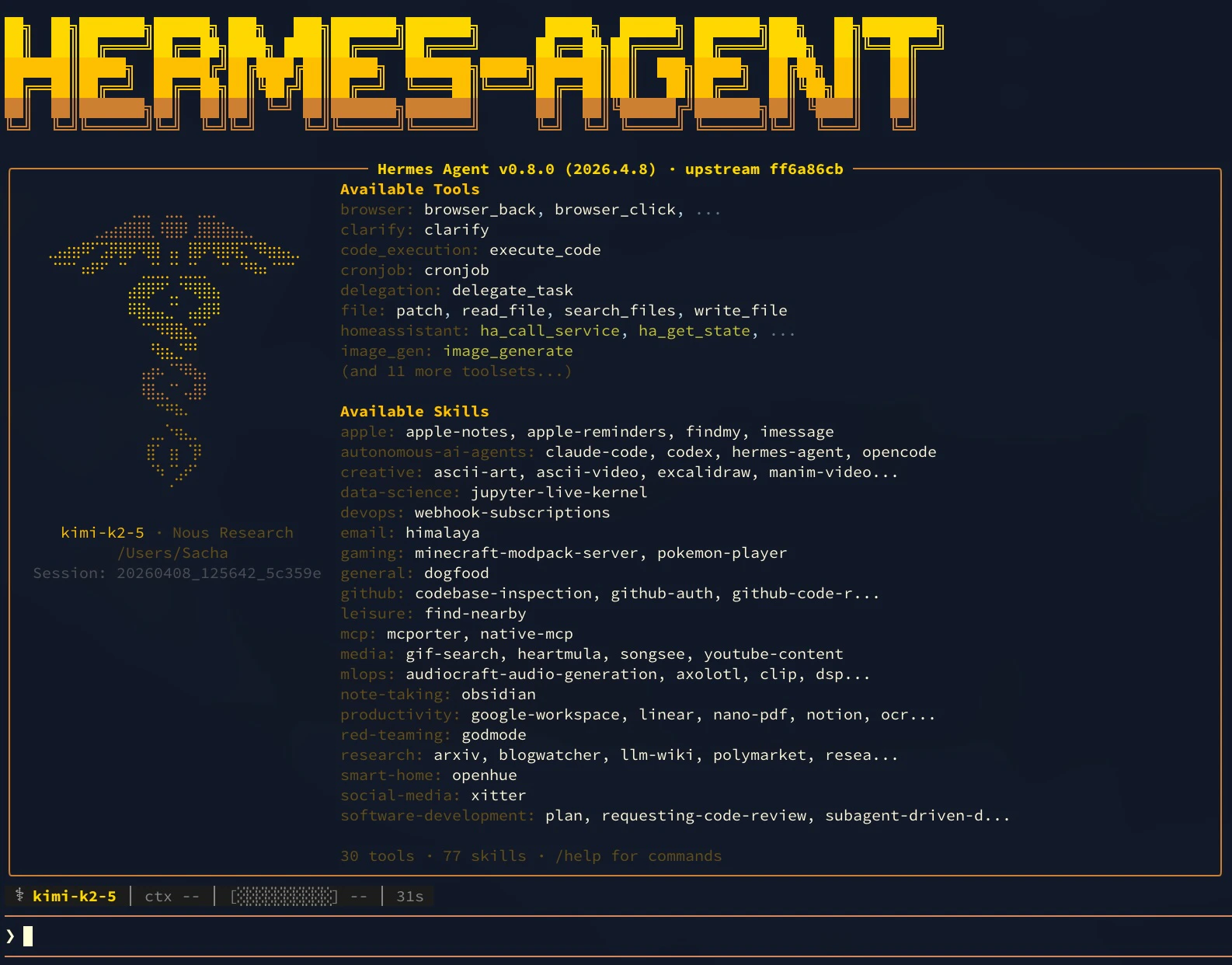
TL;DR — Configure Hermes Agent to use Tinfoil:
- Install Hermes
- Run
hermes modeland select Custom endpoint - Enter the base URL (
https://inference.tinfoil.sh/v1/), your Tinfoil API key, and a model name (e.g.,kimi-k2-6)
Verification Note: When using Hermes or other OpenAI-compatible clients, connection-time attestation verification is not performed automatically. However, all Tinfoil enclaves support audit-time verification through attestation transparency, creating an immutable audit trail. For applications requiring connection-time verification, use our official SDK clients. Learn more about the verification approaches.
Introduction
Hermes Agent is a self-improving AI assistant from Nous Research. This tutorial shows how to configure Hermes to route all inference requests through Tinfoil’s confidential computing enclaves.Prerequisites
- Tinfoil API Key: Get one at tinfoil.sh
- Terminal: macOS, Linux, or WSL on Windows
You are billed for all Tinfoil Inference API usage. See Tinfoil pricing.
Installation
Follow the Hermes Agent installation guide to install Hermes on your system. Verify installation:Configure Tinfoil as the Provider
Step 1: Open Model Configuration
Run the interactive model selector:Step 2: Enter Tinfoil Configuration
Use the arrow keys to highlight Custom endpoint, then press Enter. You will be prompted for three values:| Setting | Value |
|---|---|
| Base URL | https://inference.tinfoil.sh/v1/ |
| API key | Your Tinfoil API key from tinfoil.sh |
| Model name | We recommend kimi-k2-6 (Kimi K2.6) or gemma4-31b (Gemma 4 31B). See the chat model catalog for all options. |